

A complete UI/UX design for an insurance management application that simplifies how agents handle policies, claims, and client relationships. The design transforms complex insurance workflows into clean, intuitive screens — from policy creation to claim processing to reporting dashboards. Every screen was crafted in Figma to reduce cognitive load and speed up daily operations.
Academic Project
Figma / UI Design / UX Research / Prototyping
Design a clear, efficient insurance management interface that lets agents process policies and claims faster with fewer errors.
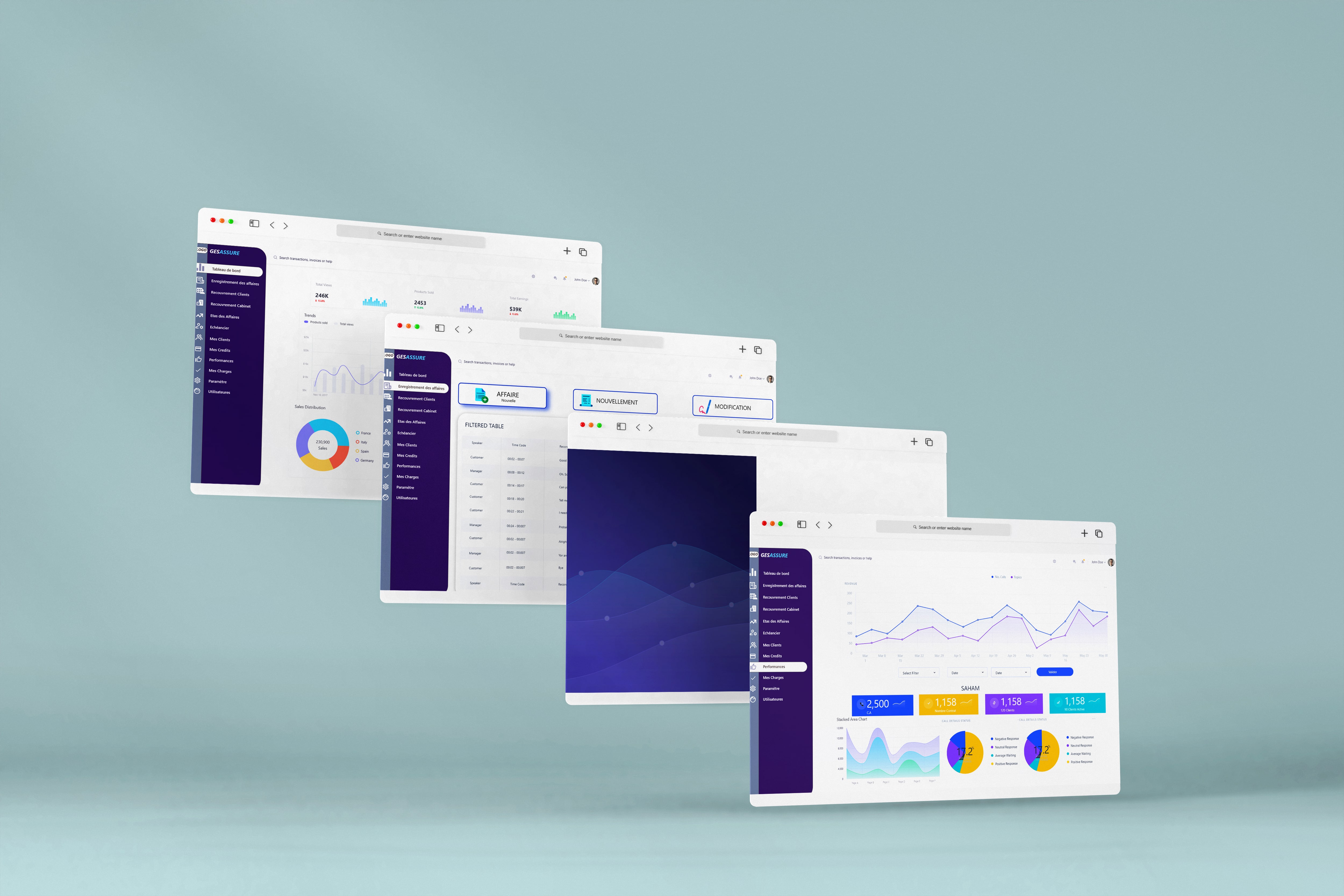
Insurance involves multi-step processes — policy creation, renewal, claim filing, approval chains, and payouts. Mapping these complex workflows into clear, linear screen flows that don't overwhelm agents required extensive UX research and iteration.
Insurance dashboards need to display dense information — policy details, claim statuses, financial summaries, client histories. Designing layouts that present all necessary data without creating visual clutter was a constant design balance.
Insurance agents work under pressure and use the system all day. The interface had to be accessible, with clear visual hierarchy, consistent patterns, and a design that reduces eye strain and cognitive fatigue during long work sessions.
Complex insurance processes are broken down into clear, guided steps. Agents can create policies, process claims, and manage clients through intuitive screen-by-screen workflows.
Dashboard screens present key metrics at a glance — active policies, pending claims, revenue summaries. Drill-down views provide detail without leaving the context, keeping agents informed and efficient.
A complete component library in Figma ensures visual consistency across all screens. The design system is ready for development handoff, with documented spacing, colors, and interaction patterns.